forums.elationlighting.com
Moving Head Fixtures
Elation Fixtures
Design Spot 250 Pro: Changing Lenses and Gobos|
Go
![]() |
New
![]() |
Find
![]() |
Notify
![]() |
Tools
![]() |
Reply
![]() |
|
I have some Design Spot 250 Pros on their way to me via UPS right now. I read that these lights come with an optional 20 degree lens, and that the gobos are easy to change.
Is there a step by step process posted anywhere on how to do this? Or will it be very obvious when I open the light? Thanks! |
|||
|
Hey Butters, and welcome to the forums.
Changing the gobos is real easy. The non-rotating wheel just basically slide in and out on little retaining clips. The rotating wheel is a little harder. The whole rotating assembly pops out and then slides out. You then need to pull out the spring which holds the gobo in place. Replace your gobo, replace the spring, slide back into place, and snap it back in. Good to go. I can post photos of the rotating assembly if you like, the description is a little vague. As far as the optional lens, that, from what I understand slides into place or screws into place relatively easy. I don't personally have any DS 250 Pros, so can't truthfully comment. Maybe someone else can explain it better. |
||||
|
Sure, posting pictures would be awesome! Thanks.
|
||||
|
Lol, picked a great time to ask. It will have to wait till end of the week. We are currently getting dumped on with snow and most likely won't be in the office tomorrow and Thursday. Once I get back in, I will post some photos.
|
||||
|
I understand brother! I'm buried in the same snow.
|
||||
|
Yea, we had about 8" over night and another 8-16" is on the way with the foot and a half or so already on the ground. The worst part, it turned to rain. So its going to be snow, layer of ice, more snow.
|
||||
|
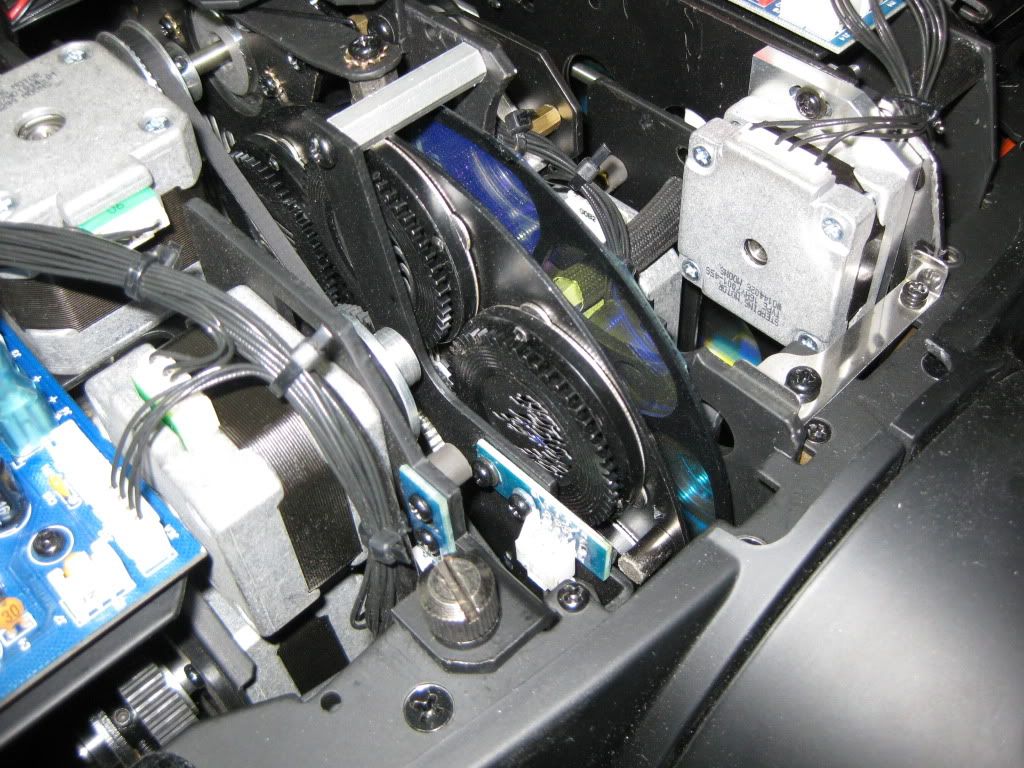
Okay, here are the photos. This is of a Design Spot 575E, so no static wheel. The rotating wheel should be the same however (I am pretty sure that the whole assembly is shared between the DS 250, 300, 575, and 1200, only the 1400s have a different one).
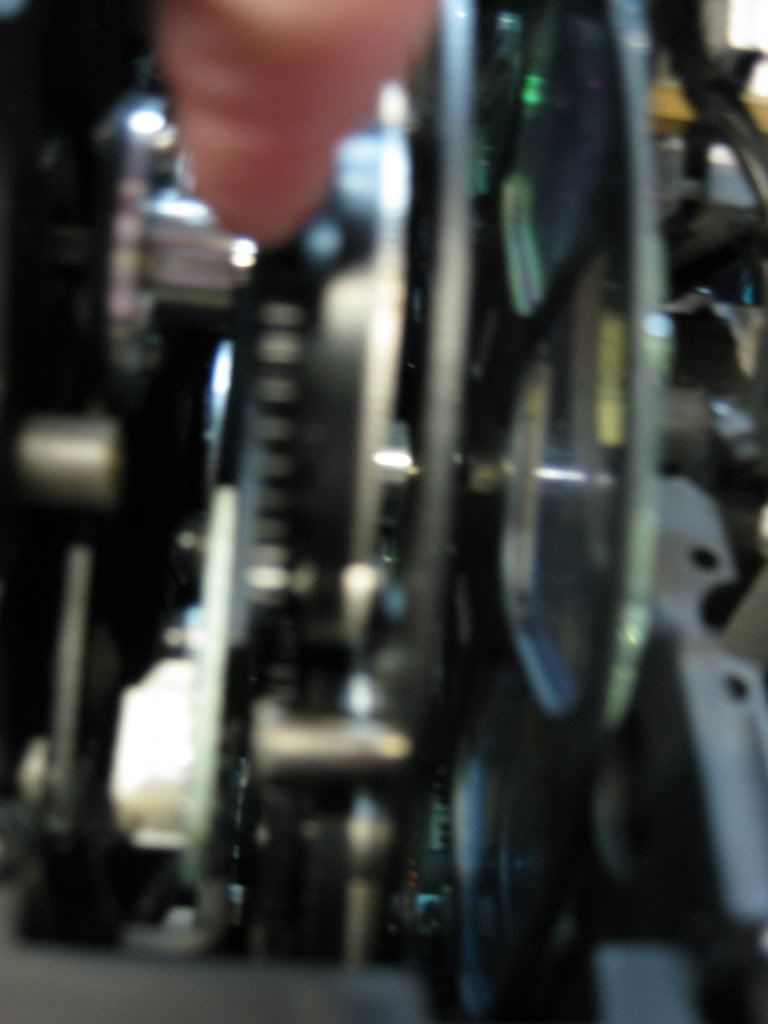
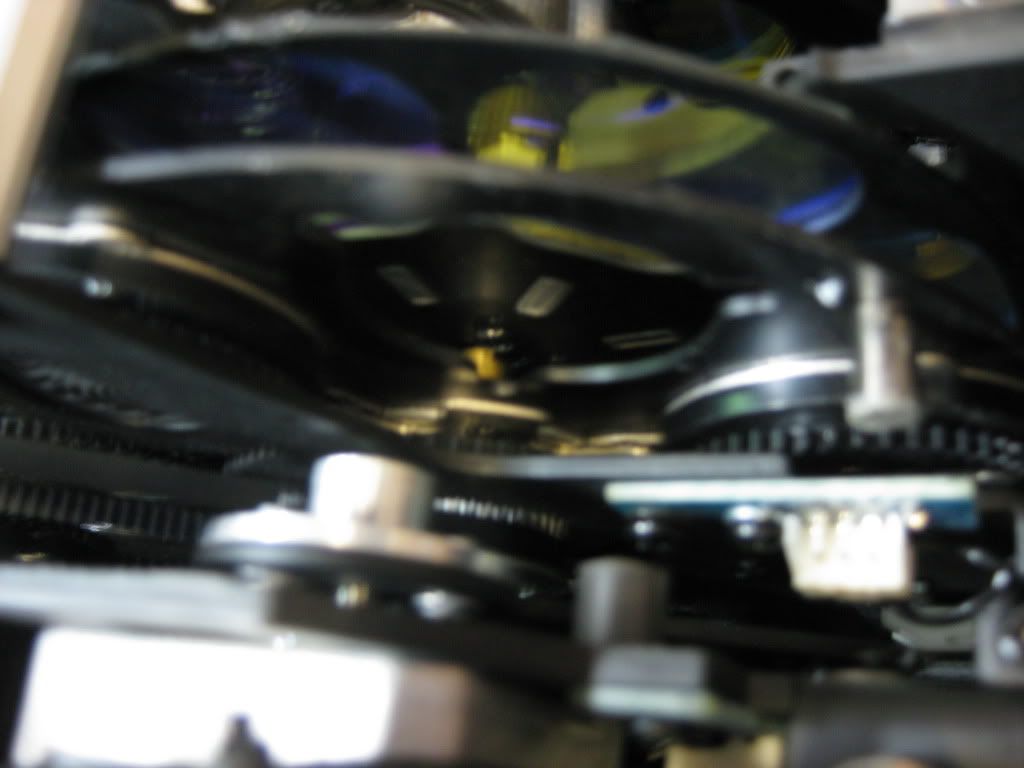
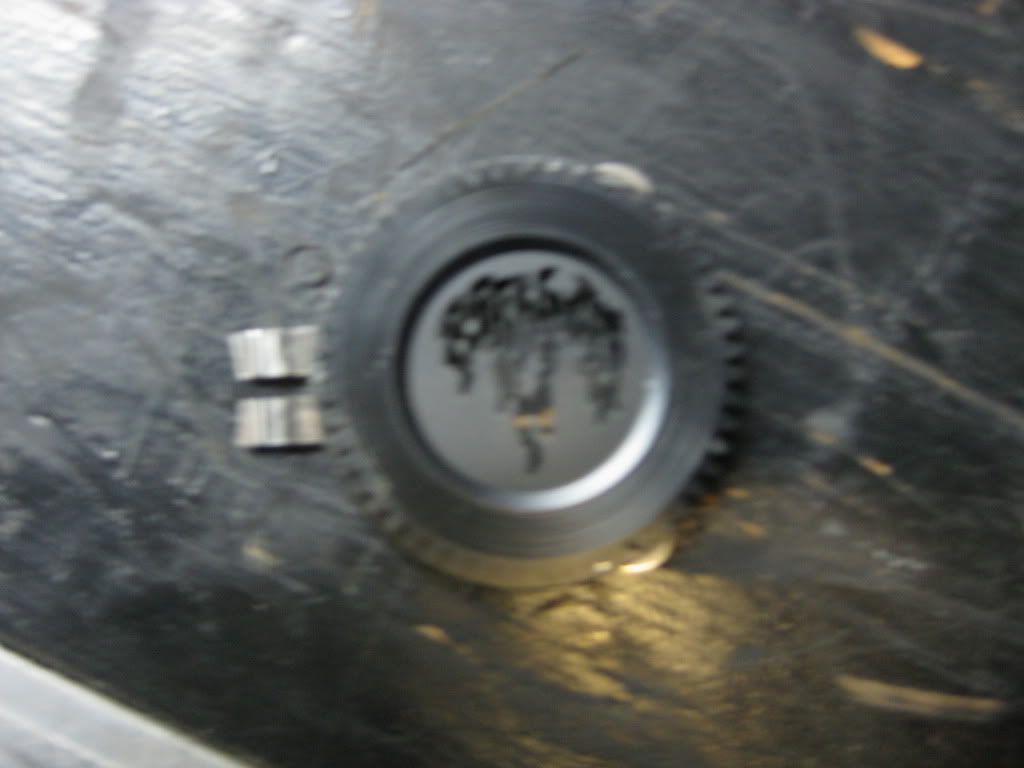
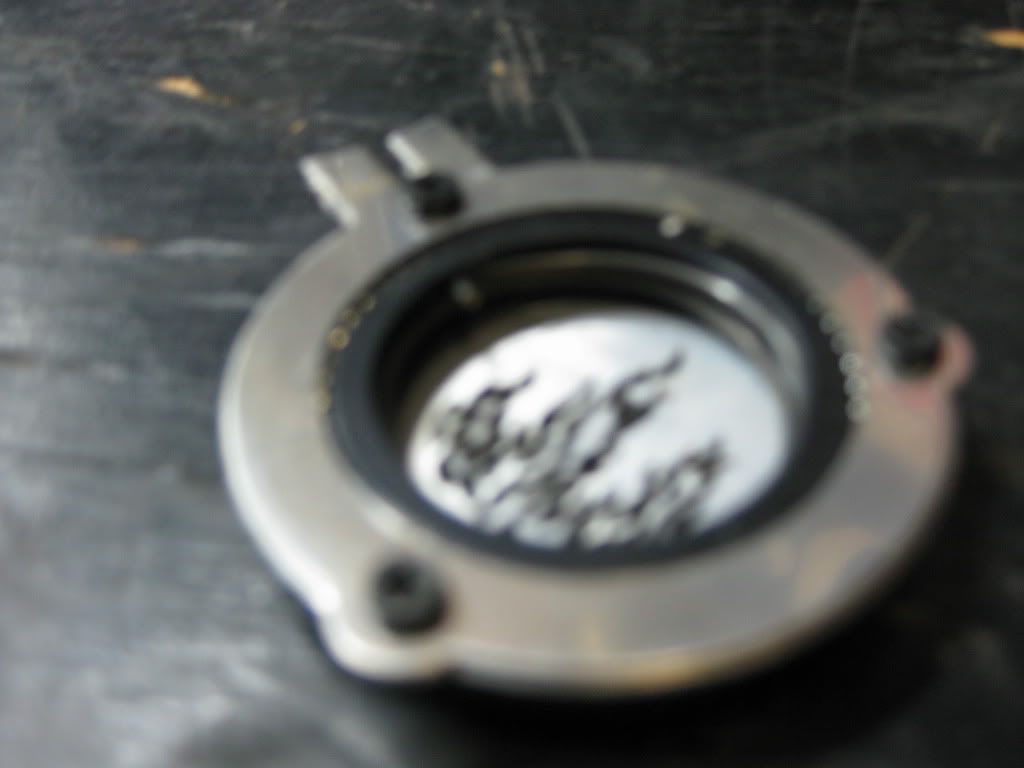
First up is a semi-wide of the fixture with the cover off. You can see the one gobo wheel (Other is accessible from the other side) and the color wheel behind it. Next is how you have to pop the wheel out, notice the little tiny screws that catch and help hold it in the assembly. A shot with the wheel fully out. You can see the clamp at the bottom which holds the wheel in place from the bottom. Front side of the holder. The catch is on the bottom. And finally, the outside of the holder. You can see the spring which holds the gobo in place and the little screws that help hold it into the assembly. |
||||
|
Cool! Thanks!
Got any shots of how to do the lens? |
||||
|
Again, sorry, I don't own any DS 250s. I can show you the zoom train on the DS 575, but I don't think that would help
|
||||
|
any chance of getting some clearer shots and a little bit more of a description on this... I'm going to have to do a ton of gobo changes in the design spot 250 Pro's coming up. I will changing a glass gobo on the rotating gobo wheel.
Any additional specific instruction and photos is greatly appreciated as there is absolutely no information in the manual or anywhere else on how to properly do this. Great lighting is appreciated by few, bad lighting is noticed by all |
||||
|
| Powered by Social Strata |
|
forums.elationlighting.com
Moving Head Fixtures
Elation Fixtures
Design Spot 250 Pro: Changing Lenses and Gobos